Every film begins as something that doesn’t exist yet. Before the first day of shooting, the scenes exist only in the director’s head — as images, as feelings, as a sense of how the camera should move through a space and what the light should look like and how two characters standing in a room should feel to someone watching from the outside. The work of pre-production is translating that internal vision into a form that other people can see, understand, and execute.
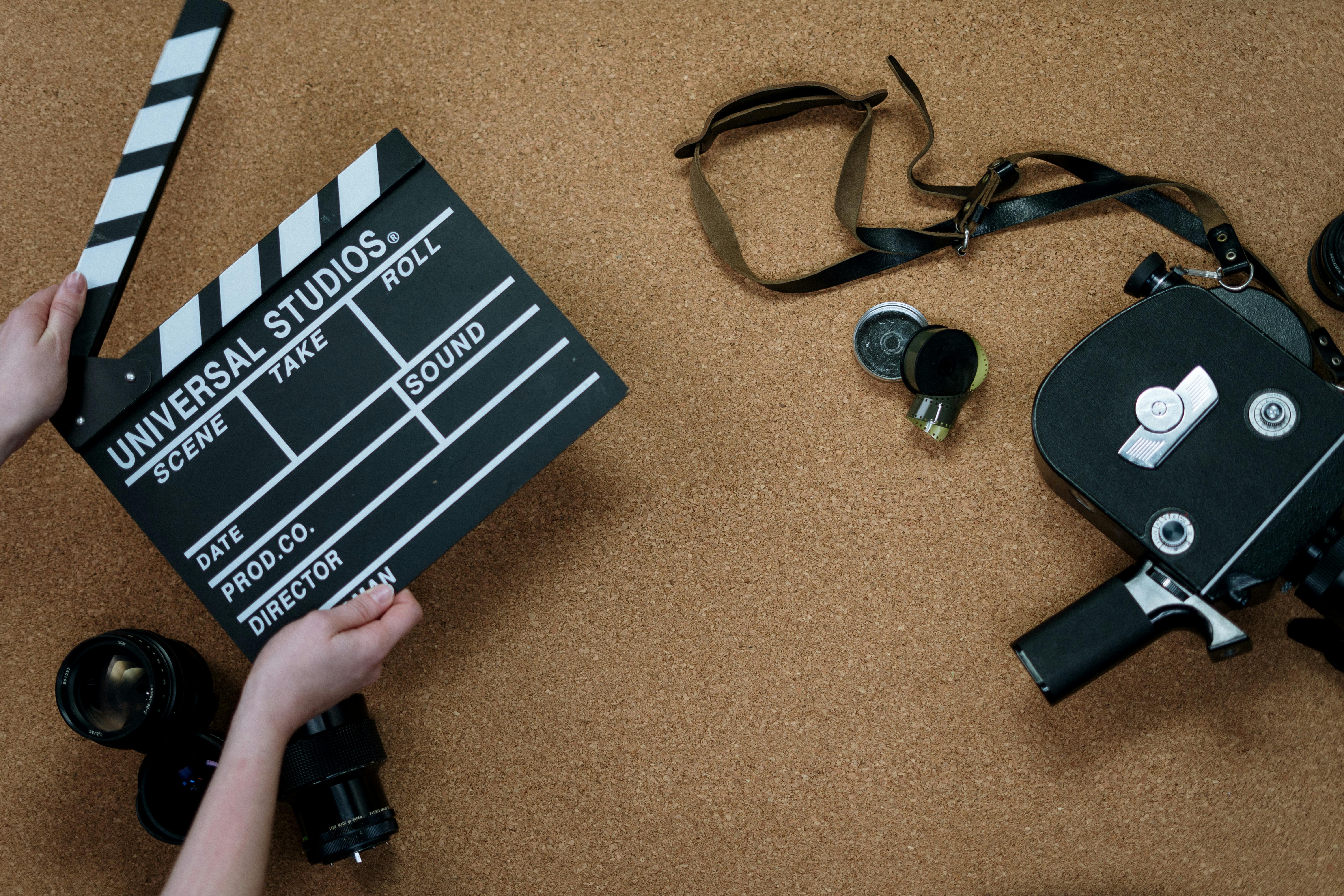
The tools traditionally available for this translation are storyboards and shotlists. Both serve important purposes. Storyboards communicate composition and sequence. Shotlists communicate the technical requirements of each setup. What neither of them does particularly well is communicate motion, timing, atmosphere, and the felt experience of being in a scene. They describe the film. They don’t show it.
Previz — shorthand for previsualization — developed as a response to this limitation. By creating rough moving images of planned scenes before shooting begins, filmmakers can test their visual ideas, communicate them to collaborators, and identify problems while there’s still time to solve them cheaply. For decades, previz has been the domain of large productions with the budget to hire previz artists and the time to use their work properly. For independent filmmakers working without those resources, it’s remained largely inaccessible; let’s get you the best AI cinema tools.
The best AI cinema tools change the access equation in a meaningful way. It’s an AI video generation tool, and for filmmakers in pre-production, the ability to generate rough cinematic video from concept images and reference clips creates a practical form of previz that doesn’t require a dedicated team or a dedicated budget line.
What Previz Actually Does for a Production
Before getting into the workflow, it’s worth being clear about why previz matters — because the value isn’t just about having something to show. It’s about making better decisions earlier.
A scene that seems straightforward on paper often reveals complications when you try to work it out visually. The spatial relationship between characters that made sense in a written description doesn’t work at the focal length you planned to use. The camera movement that felt dynamic in your imagination flattens out when you actually trace it through the space. The emotional beat you were counting on the lighting to establish requires a setup time that the schedule doesn’t allow for.
These problems are solvable. But they’re much cheaper to solve in pre-production than on set. Every minute of shooting day costs money — crew time, equipment rental, location fees, talent costs. A problem discovered during previz costs an afternoon of thinking. The same problem discovered on the day costs everything you’re burning while you figure it out.
For independent productions where the margin for error is thin and the schedule is tight, this isn’t an abstract concern. It’s the difference between a shoot that goes according to plan and one that spends its whole budget on the first two days.
Building a Previz Workflow From What You Already Have
The starting point for previz with the best AI cinema tools is whatever visual material you’ve already developed. Most productions in pre-production have more of this than they realize.
Location photographs are one of the most useful starting assets. If you’ve scouted your locations and have a library of reference shots, those images give the model the actual visual environment you’ll be shooting in. You can use a location photograph as the reference image and describe the scene you intend to shoot there — the character positions, the action, the camera movement — and generate a rough moving version of how that scene might look in that space.
This is genuinely useful in a way that storyboards aren’t. The storyboard shows you what you’re planning. The generated video shows you what it might actually feel like — whether the space is as large as you remembered, whether the blocking makes visual sense in this specific environment, whether the camera movement you planned creates the effect you intended.
Concept art and mood reference images work similarly. If you’ve been collecting reference images that capture the visual tone you’re going for — particular lighting conditions, specific color temperatures, compositional approaches — these can become the visual foundation of your previz generations. You’re not working from a generic interpretation of your concept; you’re working from the specific visual world you’ve been developing throughout pre-production.
Testing Camera Movement Before the Shoot
Camera movement is one of the most consequential decisions in any scene, and one of the hardest to evaluate from a shotlist. A notation that says “slow push into CU on Sarah’s face” tells you what the shot is. It doesn’t tell you how it will feel, how long it needs to hold to land correctly, or whether it’s the right choice for this moment in the story.
When you generate a previz clip that includes the camera movement you’re planning, you can actually watch it and evaluate it. Does the push feel too fast? Does the character’s reaction time need to be longer to let the movement land? Would a static shot serve the moment better? These are questions you can answer by watching a generated clip in a way you can’t answer by reading a shotlist.
The reference video capability in the best AI cinema tool is particularly useful here. If you have a reference clip from an existing film that demonstrates the kind of camera movement you’re planning — not to copy it, but because it illustrates what you mean — you can upload that reference alongside your location photo and scene description. The model generates something in the vicinity of that visual approach, applied to your specific location and scene content. The result gives you a rough but motion-complete version of your intended shot to evaluate before committing to the setup on the day.
The Limits of AI-Generated Previz
Being realistic about what this workflow produces and what it doesn’t is part of using it well. AI-generated previz captures the visual logic and emotional register of a planned scene in rough form. It doesn’t show you exactly what the scene will look like — the specific performances, the precise quality of real light in a real space, the micro-decisions that make the difference between a competent scene and a great one.
What it does is give you something to look at and react to rather than something to imagine. For most of the decisions that matter in pre-production — does this camera movement work, does this blocking make sense, is this the right visual approach for this moment in the story — the rough version is enough. The reaction you have to watching a generated clip, even one that’s clearly rough, tells you things about your own intentions that you wouldn’t have access to otherwise.
Independent filmmakers who use this as a thinking tool rather than a finished product tend to get the most from it. It’s a way of testing your own ideas before you ask other people to execute them — and discovering, while there’s still time to change course, which ideas hold up when you actually see them move.
For directors in pre-production who’ve been working from static references and written descriptions and wondering whether the film they’re imagining actually works the way they think it does, the answer to that question is now a generation session away. Bring your location photos, your mood references, your clearest description of what you’re going for in each scene, and start watching your film before you’ve shot a frame of it. That’s what the best AI cinema tools makes available to filmmakers who couldn’t access previz any other way.